♠QQPK Poker Guide Event Updates
Texas Hold’em · Community · Events

QQPK Poker
A Reader’s Guide

Start with the cards you can see, then follow the table markers and the event schedule. This English guide connects basic Texas Hold’em terms with practical ways to read a replay, join a community discussion, and follow a tournament from its opening session to the final result.

Table Reading

Four steps to reading a poker table

01
Seat marker

Find your seat and two private cards

The screen may rotate between devices, so locate your seat by its marker. The two cards drawn beside you are your private cards. Empty seats and public cards are displayed separately.

02
Shared cards

Follow the shared cards

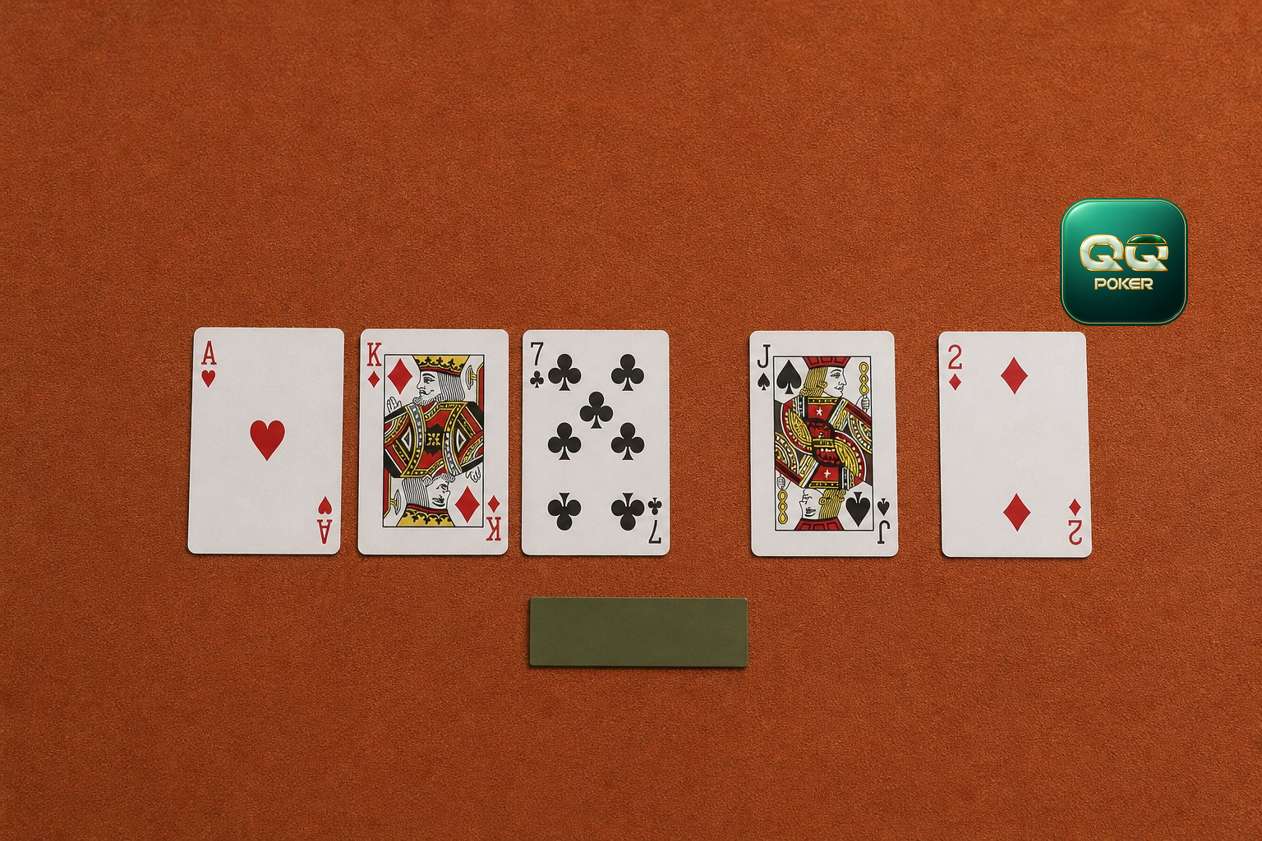
The first three shared cards arrive together on the flop. The turn and river add one apiece. Write the cards in order so that another reader can follow the same replay.

03
Best five

Pick exactly five cards

Use the strongest five-card combination available. In one example, A♣ and J♥ are private cards and the board is K♣, Q♦, 10♠, 4♥, 7♣. The best five are 10, J, Q, K and A.

04
Replay result

Read the result in context

Check the five highlighted cards and the name of the combination. If a replay leaves out a seat or skips a step, go back to the opening frame before comparing notes.

Event Formats

Community sessions and tournament schedules

Community sessions
Practice and replay notes
  • Look for a posted start time and time zone.
  • Ask whether the session is a lesson, practice, or replay discussion.
  • Share a complete hand example if you want feedback.
  • Leave usernames out of notes shared beyond the group.
AND
Tournament schedules
Stages and standings
  • Read the event name and the session number together.
  • An update may list players still in the current stage.
  • A final-table notice marks a stage in the event.
  • Compare standings only when they use the same cut-off time.

For example, Saturday can end with a list of players returning on Sunday. The published finishing order comes after Sunday’s session ends.

QQPK poker guide
Board Reading

How to read the five community cards

  1. FlopFirst 3 cards
  2. Turn4th card
  3. River5th card
Quick Answers

Questions from first-time readers

Do the same five cards work on every device?+

Yes. A different screen layout can move the board or seat markers, but the hand still uses the same private and shared cards. Compare the card ranks and suits instead of their position on the screen.

Can the shared cards form the whole hand?+

Yes. Use those five when neither private card improves the combination. Two players can end up with the same five-card result.

What should a replay note contain?+

Write the seat marker, the two private cards, the shared cards in order, and the best five at the end. Keep a short question beside the point you want to review.

Is the final table the same as the final result?+

The final table is the last table still playing in that event. A report can reach this stage before the final finishing order is known.

How do I compare two sets of standings?+

Check whether each one covers a single event or a series, identify its cut-off time, and then compare records from the same scope.
Field Notes

Three notes to take into your next session

Event Reading

Read a QQPK tournament update in order

01 · Start Check the time and time zone. 02 · In progress Find the current stage. 03 · Results Verify the final standings.

Events